
Control4 App
The whole house, from wherever you are.
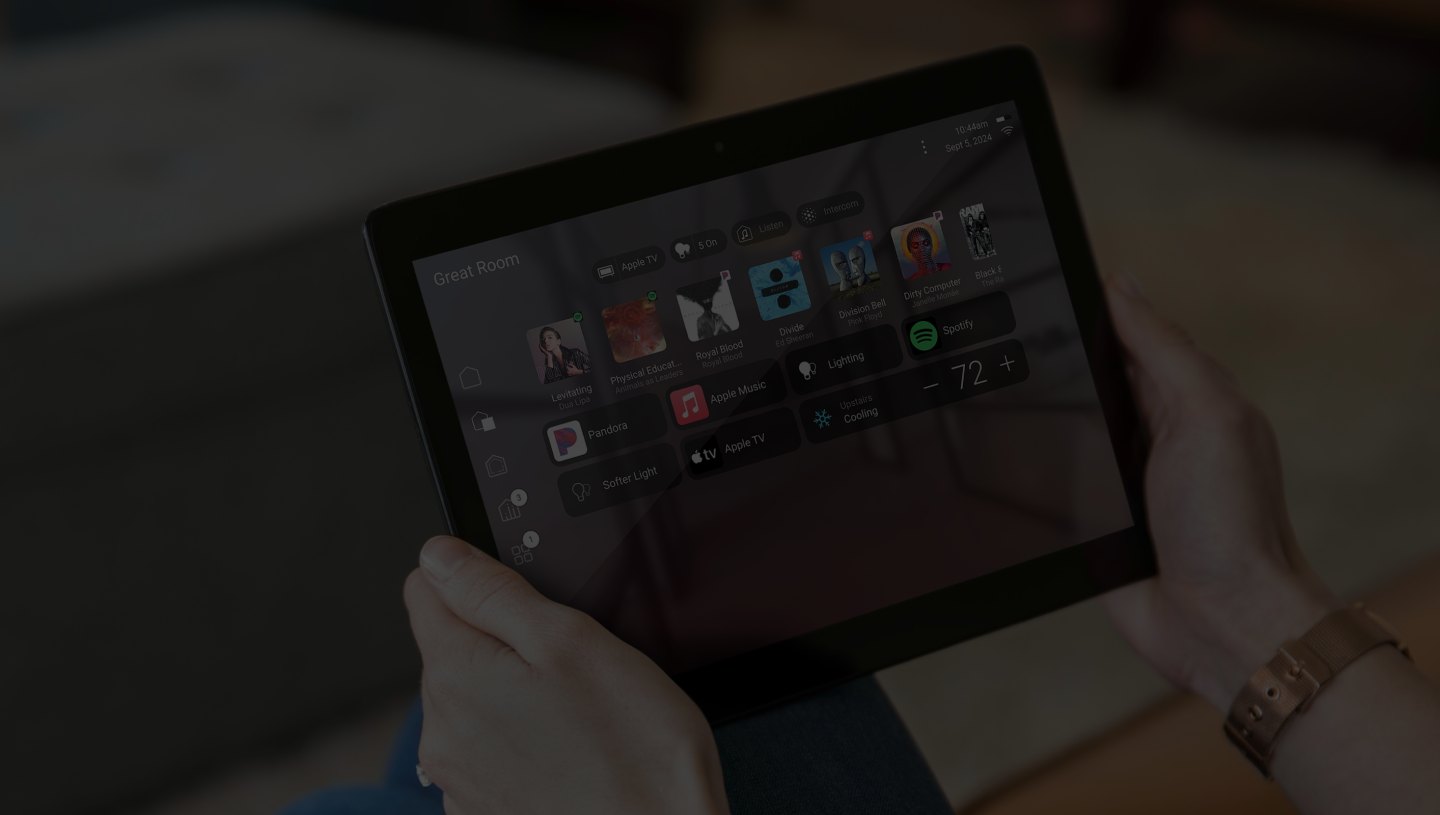
On the phone in your pocket or a tablet on the bench, the Control4 app shows the same home as the wall, lighting, climate, music, blinds, cameras and access, at home or overseas.
The idea
One app instead of eleven.
Most homes accumulate an app per device. We replace that with a single app where every room, light, speaker and camera carries the same name it has on the wall.
Secure remote access is configured properly, with each household member on their own account and appropriate permissions.
At home
Faster than finding a switch.
Favourites are arranged around the actions this household repeats, so the useful things are on the first screen.
- Rooms, scenes and music in one consistent structure.
- Blinds, climate and lighting adjusted from the sofa.
- Doorbell and camera video answered from the phone.
Away
Check, close, or let someone in.
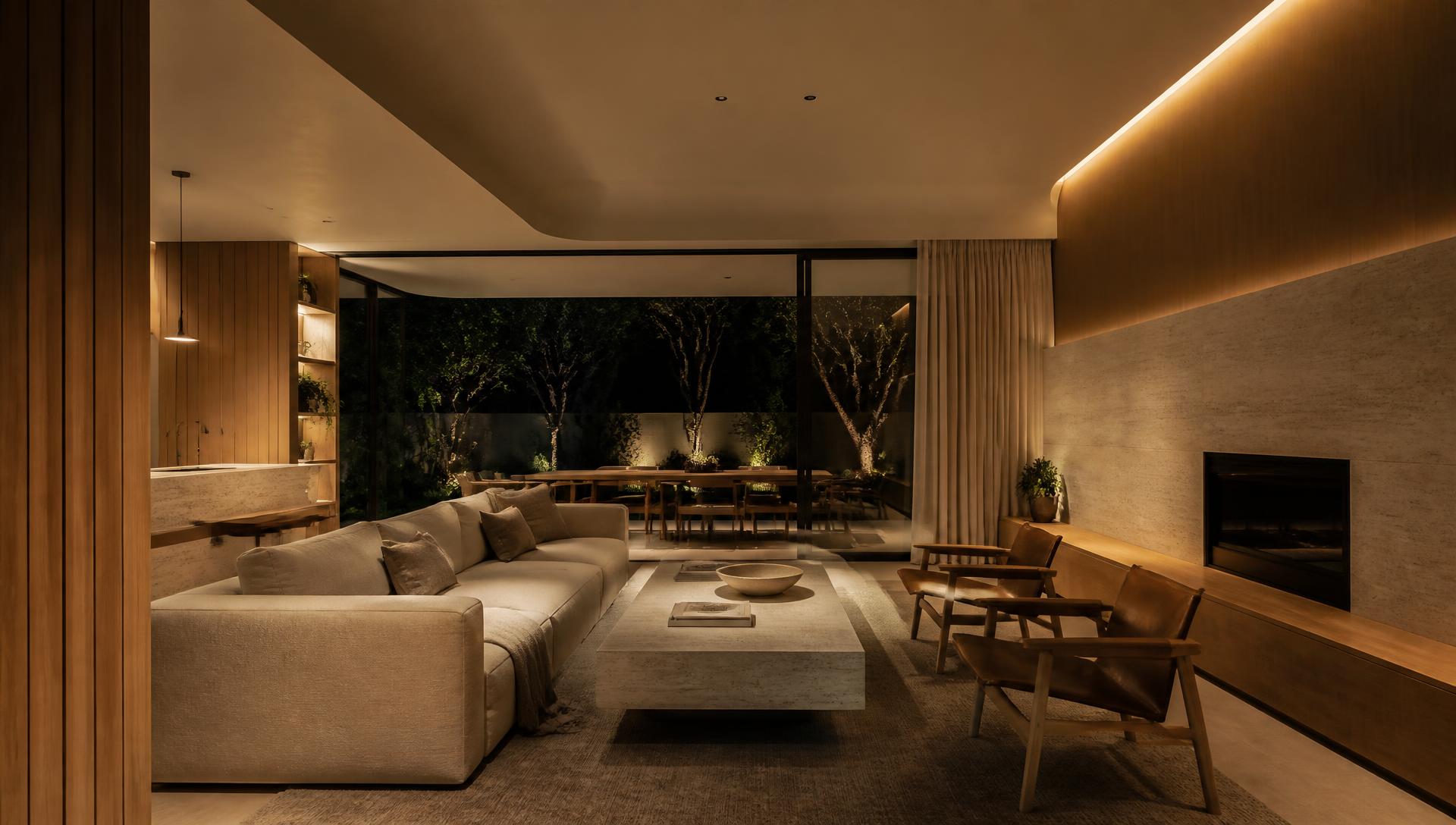
Remote access is useful precisely when you are not there, the trades at the gate, the house left unlocked, the holiday you are already on.
- Unlock the door or open the gate for a visitor you can see.
- Arm, disarm and check the alarm and cameras.
- Notifications only for the things you asked about.
- Away mode so the home behaves as if someone is in it.
Households
Everyone gets the right amount of control.
Different accounts, different permissions, and a version of the home that suits each person.
- Separate accounts for family, house staff and long-term guests.
- Limited access for children's rooms and outdoor equipment.
- Access revoked cleanly when someone no longer needs it.
In detail
What we handle
01
Accounts
Set up per household member, with sensible permissions.
02
Naming
Rooms and devices named the same on wall, remote and app.
03
Favourites
Arranged around your routines during commissioning.
04
Remote access
Configured securely on a network we designed.
05
Notifications
Only the alerts you actually want to receive.
06
Support
Changes, new phones and new household members handled.
Begin
Design your home around the way you live.
A complimentary consultation anywhere in Sydney, new builds, renovations and inherited Control4 systems alike.
Continue
- Control4 X4
The current interface
- Home Wi-Fi & Networking
What remote access relies on
- Support & Care
Kept current over time