Control4 X4
The interface, refined.
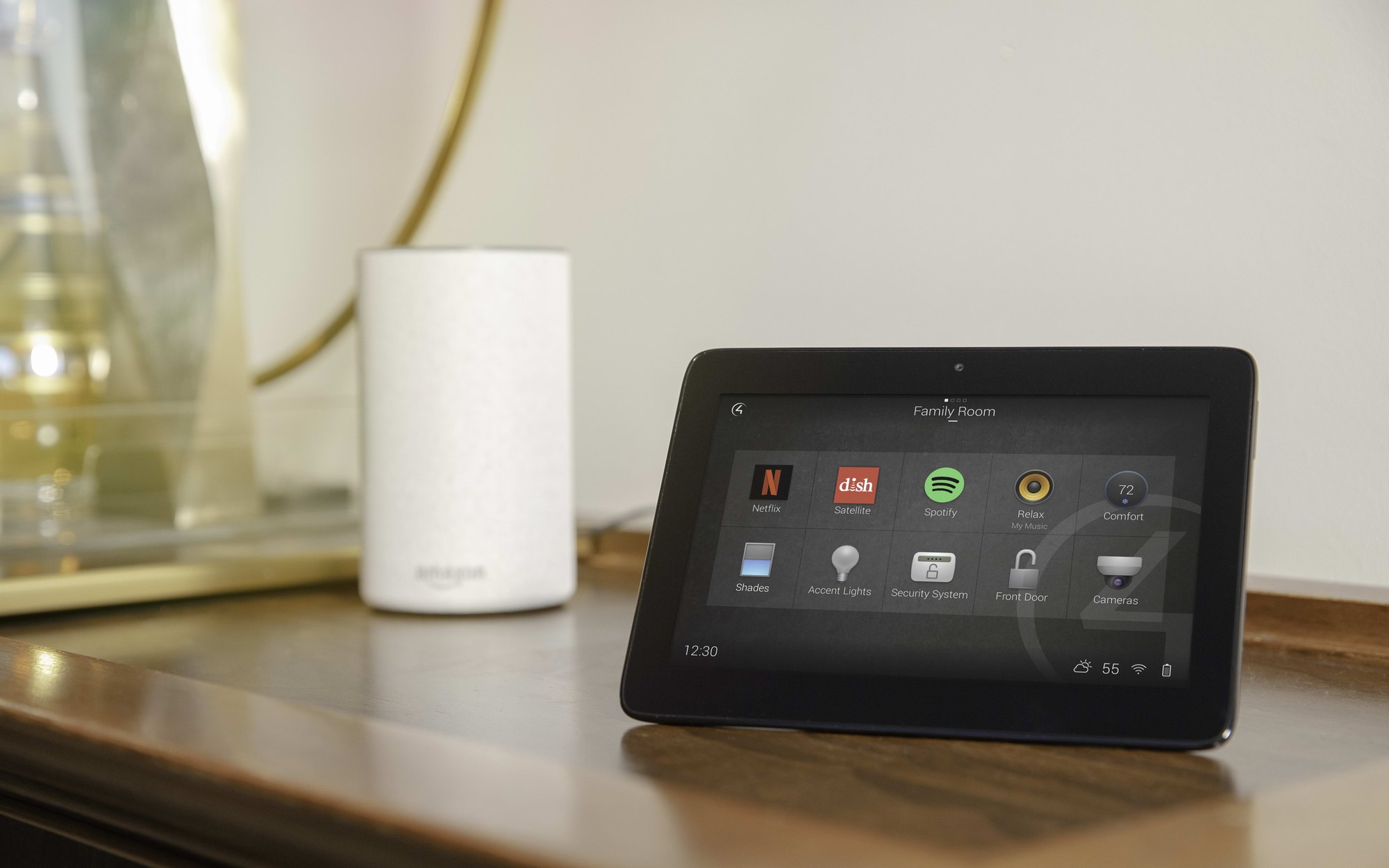
X4 is the current generation of the Control4 experience: a cleaner interface across touchscreens, keypads, remotes and the app, with more of it able to be personalised by the people who live there.
The idea
Your home, arranged the way you use it.
Favourites, rooms and everyday actions can be arranged so the things you do most are the things you see first, on the wall, in your hand or on your phone.
We set up the structure and naming during commissioning, then adjust it with you once you have lived with the house for a while.
The interface
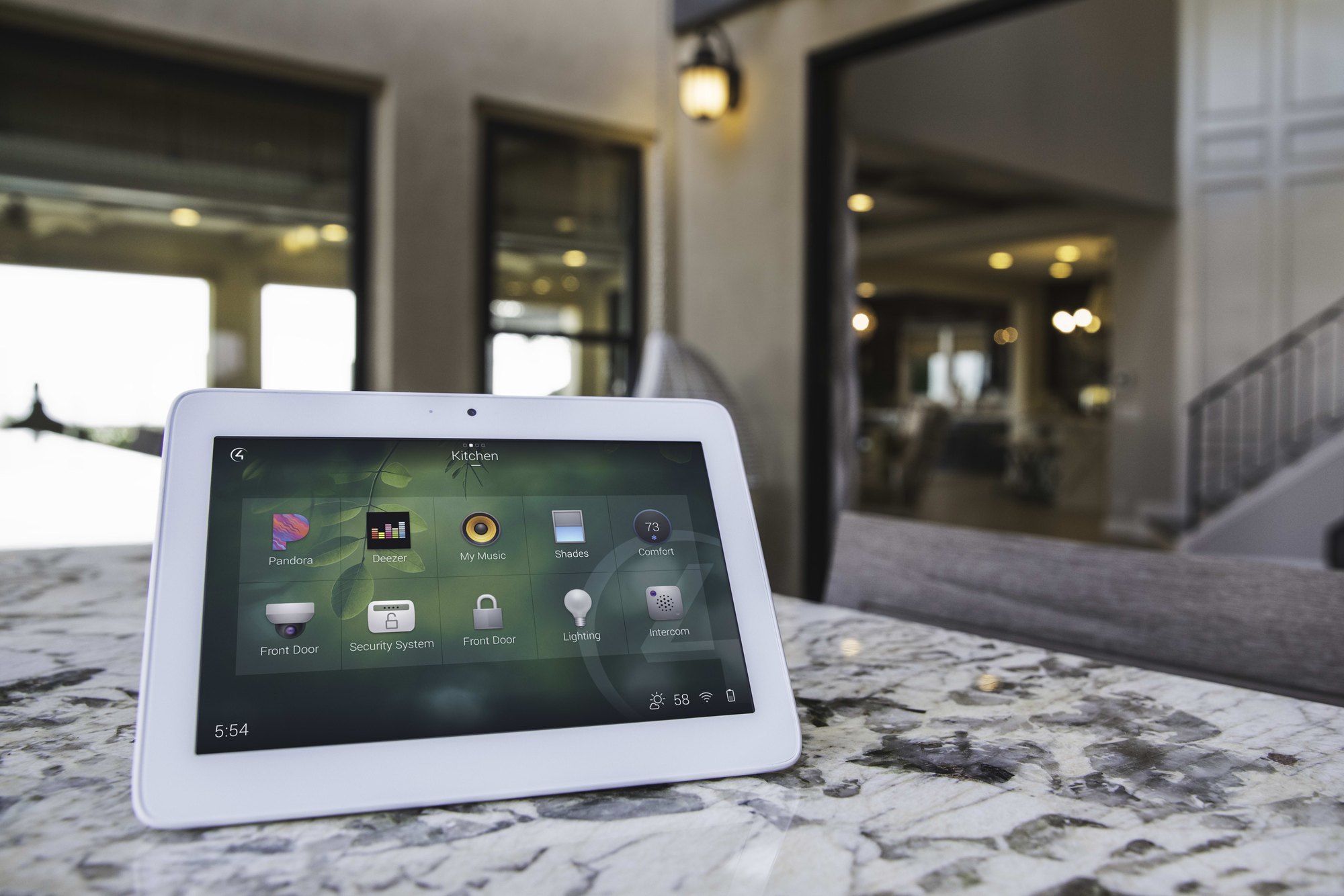
The T5 in the room, not in a brochure.
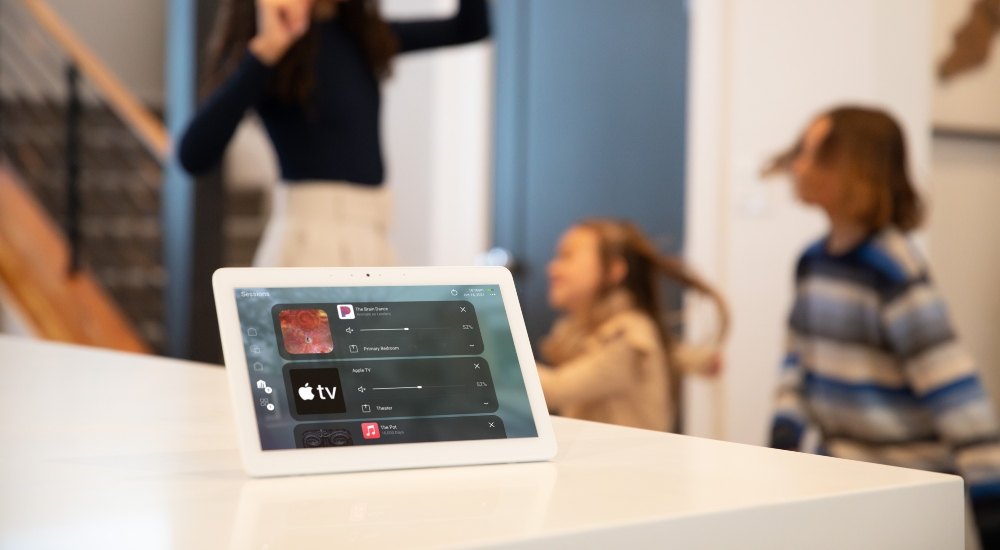
A tabletop T5 on the kitchen bench, a wall-mounted T5 by the bedroom door, the same layout, the same naming, wherever you pick it up.
On the wall
Keypads and touchscreens.
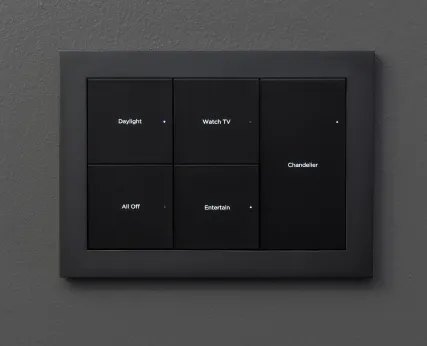
Engraved keypads for the actions people repeat; touchscreens where more depth is genuinely useful.
- Keypads in finishes chosen with your architect or interior designer.
- Touchscreens at entry, kitchen and main bedroom where they earn their place.
- Consistent behaviour, so any keypad in the house feels familiar.
In your hand
Remote and app.
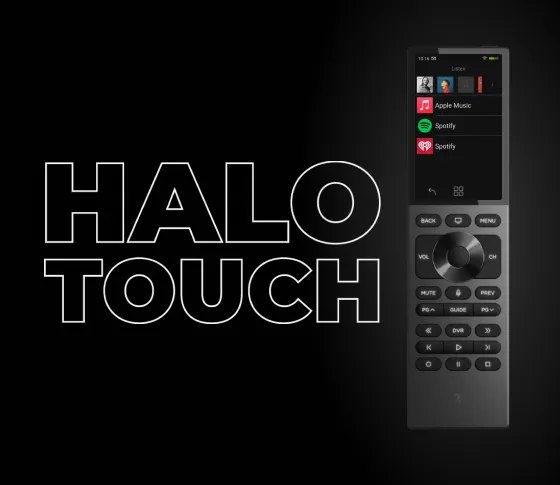
The remote runs the media room; the app runs the house, from the driveway or from overseas.
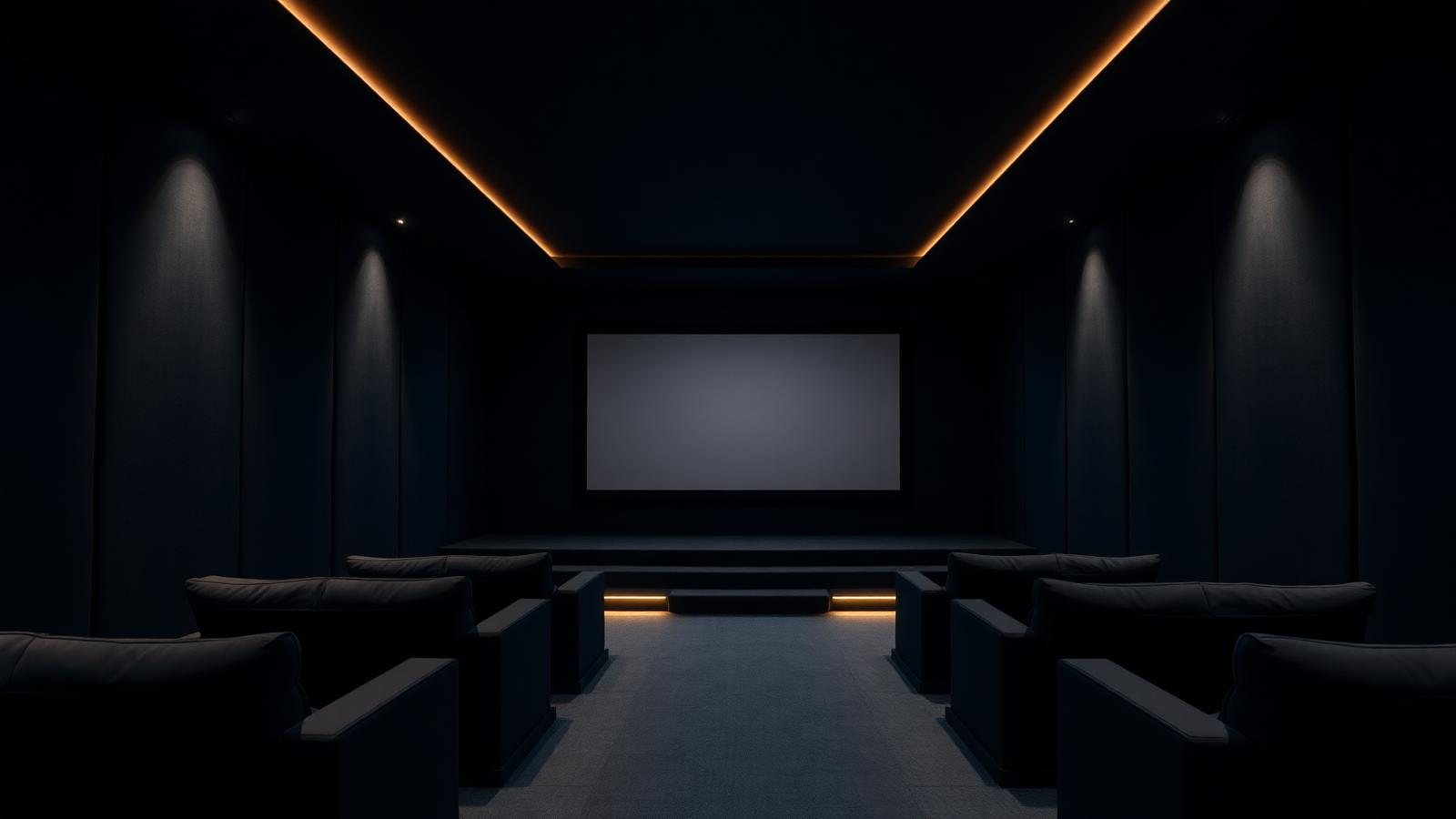
- A single remote for the cinema instead of a coffee-table pile.
- Secure remote access to the home while you are away.
- Notifications for the things you asked to know about.
Personal
Scenes and schedules you can adjust.
Households change. Where the platform allows it, we set things up so you can edit routines yourself without calling us.
- Named scenes you can re-time as the seasons shift.
- Favourites organised per room and per person.
- Anything more involved, we handle remotely.
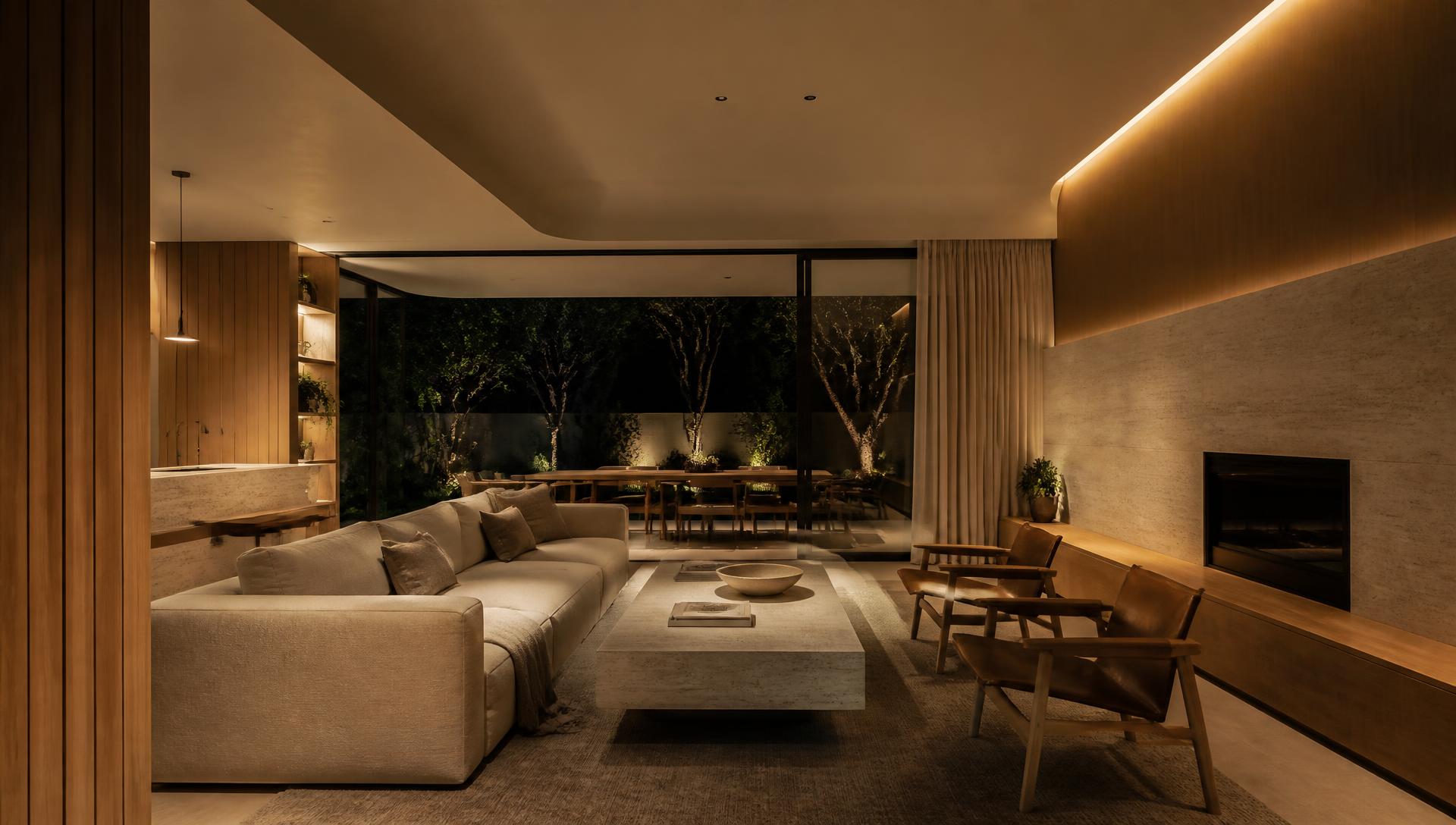
In your hand
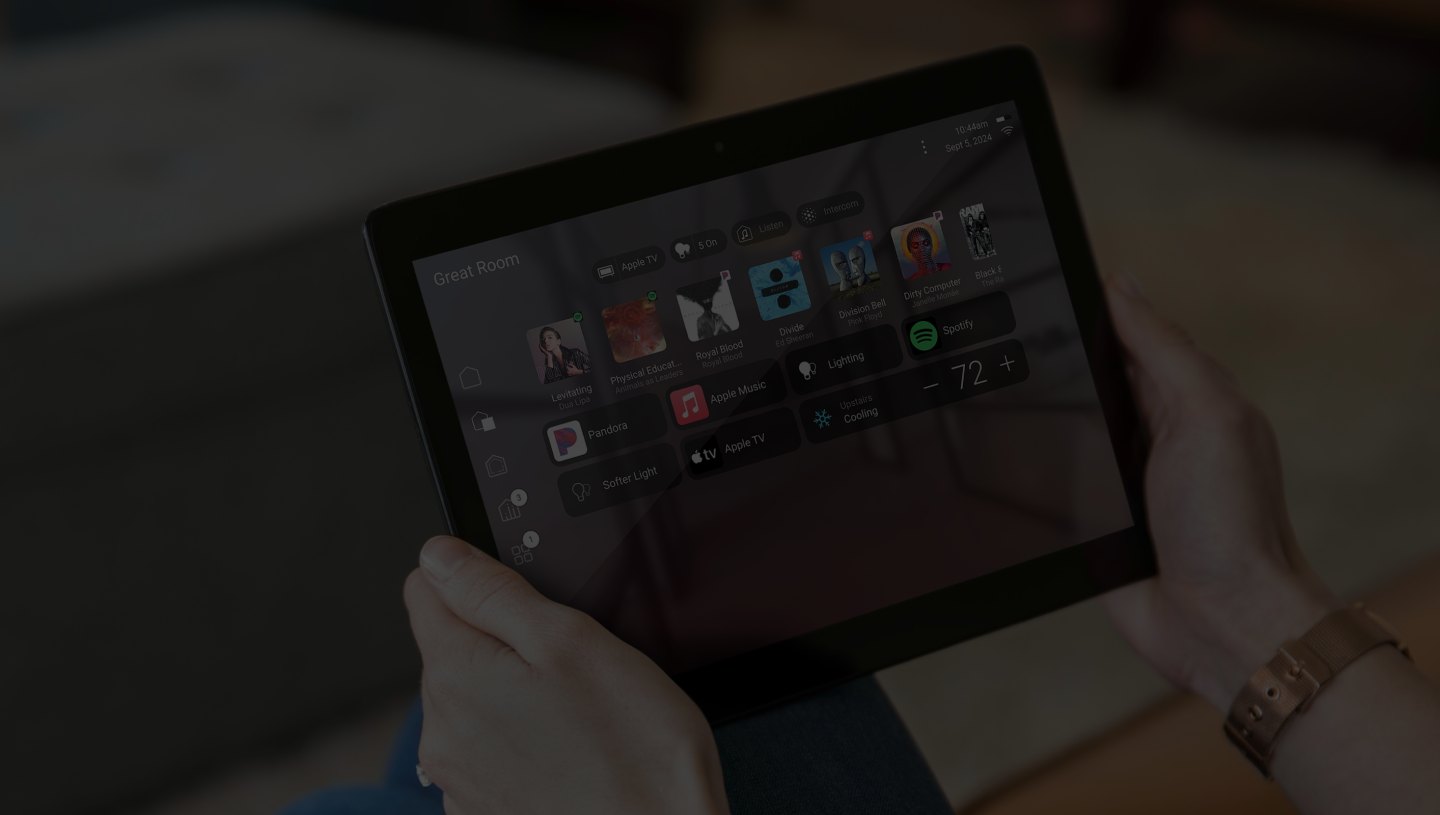
Remote, app and tablet.
Authentic Control4 hardware and interface, configured around your rooms during commissioning.
In detail
What the work involves
01
Upgrade path
Whether an existing system can move to the current experience.
02
Interface setup
Room naming, favourites and layout resolved during commissioning.
03
Keypad engraving
Wording agreed with you before manufacture.
04
Remote access
Secure control of the home while you are away.
05
Voice
Voice control where it genuinely helps.
06
Review
A revisit after you have lived with it, to refine the details.
Begin
Design your home around the way you live.
A complimentary consultation anywhere in Sydney, new builds, renovations and inherited Control4 systems alike.
Continue
- Control4 Sydney
The platform overview
- Support & Care
Updates and improvements
- Home Automation
What the interface controls